ROAD TEST
20 Apr 2026
ETC Gio @5
Subscribe to CX E-News
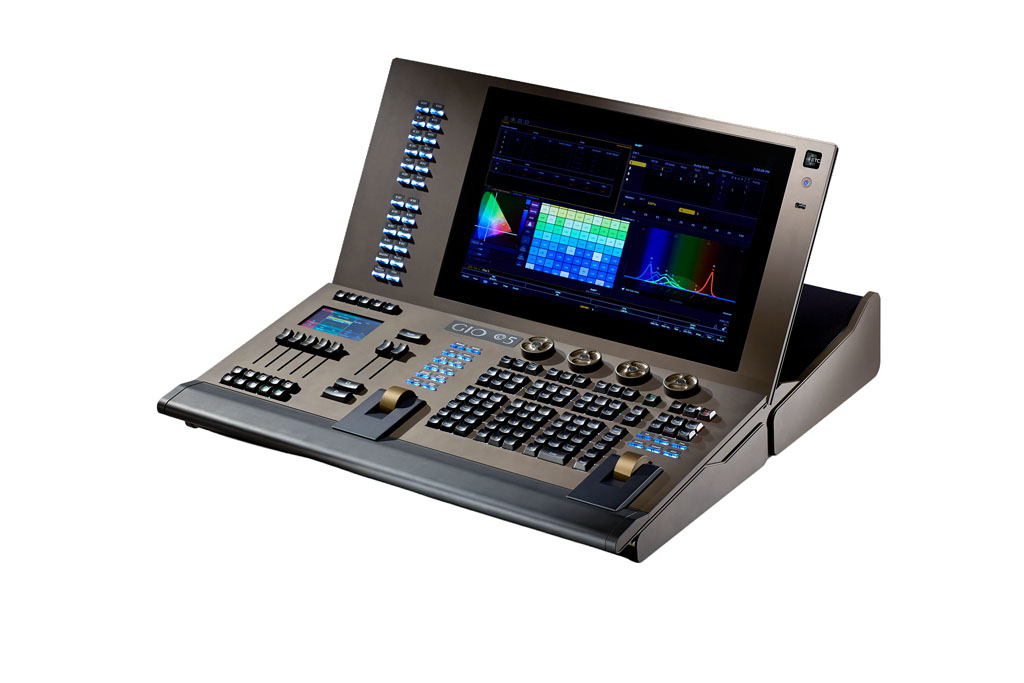
The ETC Gio @5 lighting console is part of the ETC Eos console family, which includes the full size Apex range, followed by the Gio, the Ion, the Element, and PC based options. They are a staple in theatre, along with ETC’s iconic Source Four series of fixtures.
—
Construction and Aesthetics
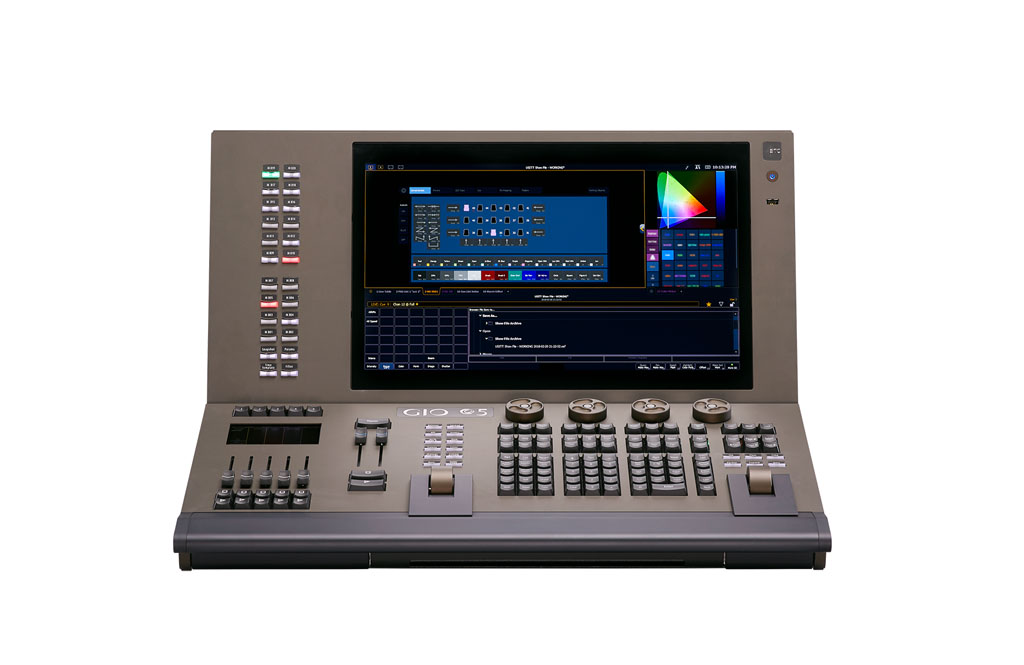
The Gio @5 has a relatively compact footprint compared to other consoles with similar processing power. It is about the ‘1 person/half a table’ size: 36cm (H) x 64cm (W) x 67cm (L) and weighs 24kg. It features one 18.5‑inch multi‑touch LCD monitor. You can feasibly run it using one screen, but more would be easier.
It works well in smaller control booths or temporary FOH positions. It is not a hard console to unplug, move, and plug back in for a rehearsal/tech/focus. The Gio @5 is large enough to be used as a proper show console yet small enough to move around if need be or to be used in a smaller space. ETC have hit the nail on the head with the size.
Admittedly, it’s not the most exciting console to look at; it is a conservative, clean and professional looking console.
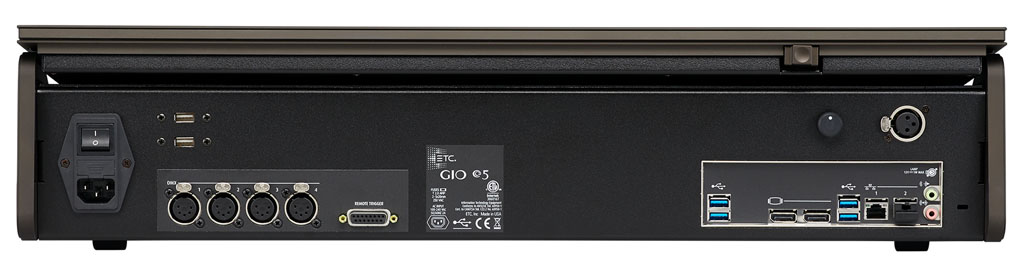
In the back it has four DMX ports, two display monitor ports so you can attach external monitors, and two Cat5 ports.
Applications and Features
There are two model options available with the Gio @5; the 4K model and the 24K model. I was using the 4K version but the difference between the two is a software upgrade as opposed to a hardware version. The 4K supports up to eight universes, the 24K supports up to 48 universes. You pick what you need based on your application. I will say it is quite impressive for a console this size to be able to support and control 48 universes without the need for external processing.
The ETC family of consoles are well‑known for building great cue stacks. This would explain why they are much more popular in theatres than in nightclubs or concert type settings. The Gio @5 is no different.
A strength of the Gio @5 is that it runs the full Eos software. This means you get the same feature set found on ETC’s larger desks. It is basically a scaled down version of the full size Apex.
Magic Sheets is a cool feature which allows you to import images and drawings, create programmable buttons, faders and controls on your displays, and build custom user interfaces for your show. I feel like most lighting operators are visual people, so this is a really useful tool.
The five physical faders seem a bit limiting at first, but it really depends on how you use the desk and what you use it for. For cue‑based programming they are usually sufficient, while buskers or people operating on the fly may need to add fader wings or create buttons or faders on the touch screen. I think most operators would much prefer physical buttons and faders to a touch screen.
Then again, this console isn’t really designed to be a busking console.
Control and Programming
From a usability standpoint, the Gio @5 feels very ‘operator focussed’. There is a subtle difference in a lot of lighting consoles in that each one tends to lean slightly towards a function. Some consoles tend to be more suited to operators, some to designers, and others to programmers. A lot of experienced lighting operators, designers, and programmers understand this, and it does tend to influence their choice of console.
The familiar Eos syntax makes it easy for an experienced ETC operator to jump in straight away. For those not familiar there is a bit of a learning curve. The syntax and terminology are slightly different to other consoles.
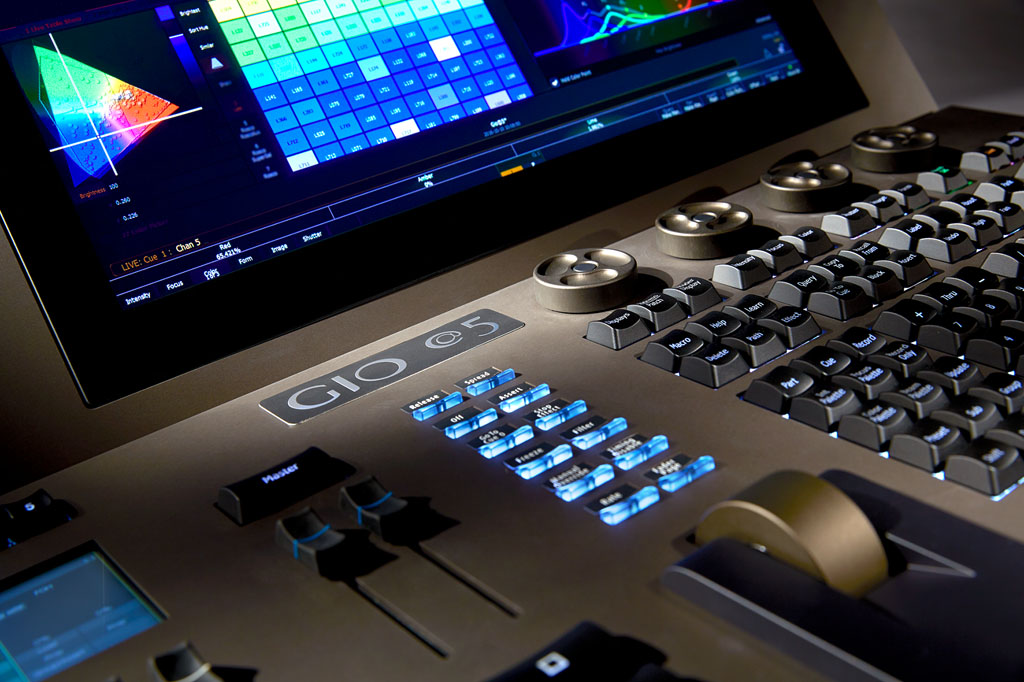
The ETC lighting consoles all have knowledge that is transferable between their desks. This is comforting, as it makes taking the time to learn the ins and outs of the desk a worthwhile investment.
It has a solid and robust effects engine which allows you to zoom to get as detailed and specific as you want with your effects, as well as quickly apply broad and basic effects.
The ETC Gio @5 features its own onboard Virtual Media Server for Pixel Map content mapped to DMX‑capable fixtures. While not the most advanced media server, it will do what you need it to do. If you were doing advanced mapping or media server work you would probably bring this as an external piece anyway.
It has its own 3D visualisation tool called Augment3d. 3D visualisation is great; it was already a big part of pre‑programming and figures to play a much bigger role moving forward into the age of AI.
The console integrates well into networked lighting systems via protocols like sACN and Art‑Net. The Gio @5 can accept triggers from MIDI show control (MSC), MIDI notes, Open Sound Control (OSC), or analogue contacts.
The ETC Gio @5 would be best suited for venues such as theatres, performing arts centres, broadcast studios, schools or universities, as well as small to mid‑size touring shows. The console is designed where cue lists, palettes, and timing precision matter more than busking layouts. It is definitely more of a theatre console than a rock and roll desk.
Help and Support
Help and support for the ETC Gio @5 is great. There are many different options depending on how you like to learn. As a visual person myself, I really liked the YouTube video tutorials ETC have online. I was able to walk myself through the desk at my own pace and learn a whole bunch.
Training days are run for the consoles in most major cities a few times a year. You do find training days popping up on Eventbrite.
They also have a reasonably active forum on their website that is well moderated by the ETC team. ETC’s support is known for being available for a long time after a console’s release, including continued software updates and fixture library maintenance.
This long‑tail support does pay dividends and is more useful than many may think. Newer, younger operators may not necessarily have access to the latest and greatest equipment and will learn on what they can, even if it is an obsolete desk. They get experience on an old ETC desk with support and, when they move into professional shows, they gravitate towards the newer ETC consoles.
Verdict
The ETC Gio @5 is a great console that fits seamlessly into the Eos ecosystem. Although geared towards theatre users, you really could make it work in just about any setting.
It is well supported by the development team, and offers all the features you would need for a professional mid‑size show. The ETC Gio @5 is a really solid offering that can handle much more than you would initially expect.
Product Info: www.etcconnect.com
Distributor Australia: www.jands.com.au
Distributor New Zealand: www.jands.co.nz
The Specs
- 4,096 or 24,576 outputs
- 32,768 control channels (mapped to any number from 1 to 99,999)
- 100,000 Cues
- 999 Cue Lists
- 999 Submasters
- 100 Fader pages
- 4 x 10,000 Palettes
- (Intensity, Focus, Colour, Beam) 10,000 Presets (all palette) 10,000 Groups
- 10,000 Effects (relative, absolute or step) 99,999 Macros
- 10,000 Snapshots
- 10,000 Curves
- 10,000 Colour paths
- 99 discrete users Partitioned control
- Show import from Obsession, Express, Expression, Emphasis, Congo, Cobalt, grandMA1, grand MA2, Safari and Strand 500/300 Series
- Augment3d 3D programming and visualization environment
- Magic Sheets suite for customized user programming and displays
- Virtual Media Server function for pixel-mapping effects, images, and animations
- One 18.5‑inch multi‑touch LCD touchscreen for display, direct selection and context-sensitive control
- Supports two external display port monitors (1920×1080 minimum, 3840×2160 maximum), with optional single‑touch or multi‑touch screen control and DDC/IC support
- Five 60mm motorized faders, 100 10‑fader pages for configurable faders, for channel, submaster and palette/preset, timing and effect rate/speed playback control
- Main Playback with two 60mm motorized faders
- Four force‑feedback encoders for non-intensity parameter control
Subscribe
Published monthly since 1991, our famous AV industry magazine is free for download or pay for print. Subscribers also receive CX News, our free weekly email with the latest industry news and jobs.
Recent posts



Latest jobs